
BrickSorter puts the pile back into its sets.
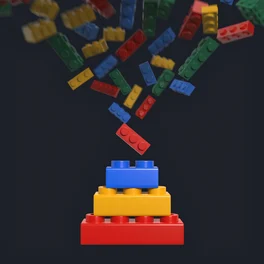
Lay a few loose pieces on the printed sheet and take one photo. BrickSorter tells you which of your sets each one belongs to.
 Launching in October$4.99, once · no ads, no subscription · by Bruce Bassi
Print, scan, sort.
Print the sorting sheet
Print it from the app at 100 %. Its codes, ruler and color patches calibrate every photo.
Pro tip: 0 to 10 on the ruler should measure 100 mm.
Scan the pieces
Lay up to five pieces on the sheet and take one photo. Each piece is found, measured and named.
Pro tip: A handful of the same piece? Scan one, then set how many.
Sort!
Each piece goes to the set that still needs it. Drop it in that set’s box and tap to confirm.
Pro tip: Print each set’s part list and keep it with its box.
Every set, every piece, every missing part.
Built for the pile on the floor.
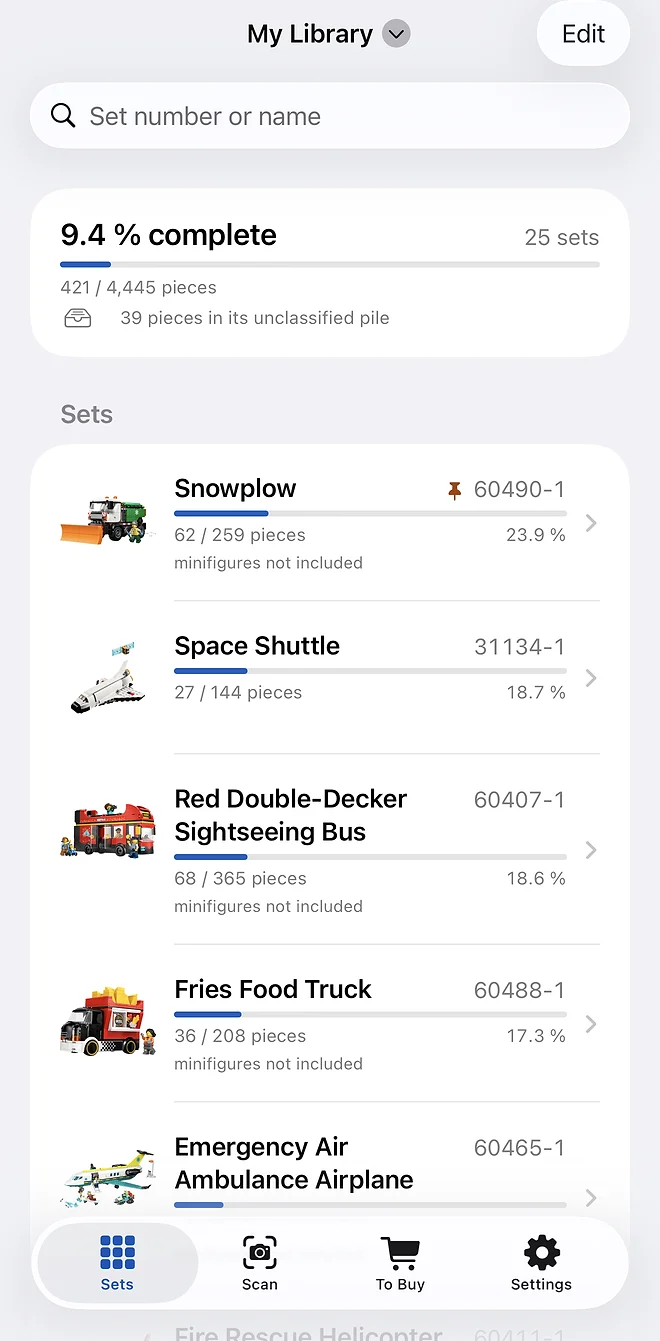
Your sets, in libraries
Add a set by its number or name, then watch it fill up.
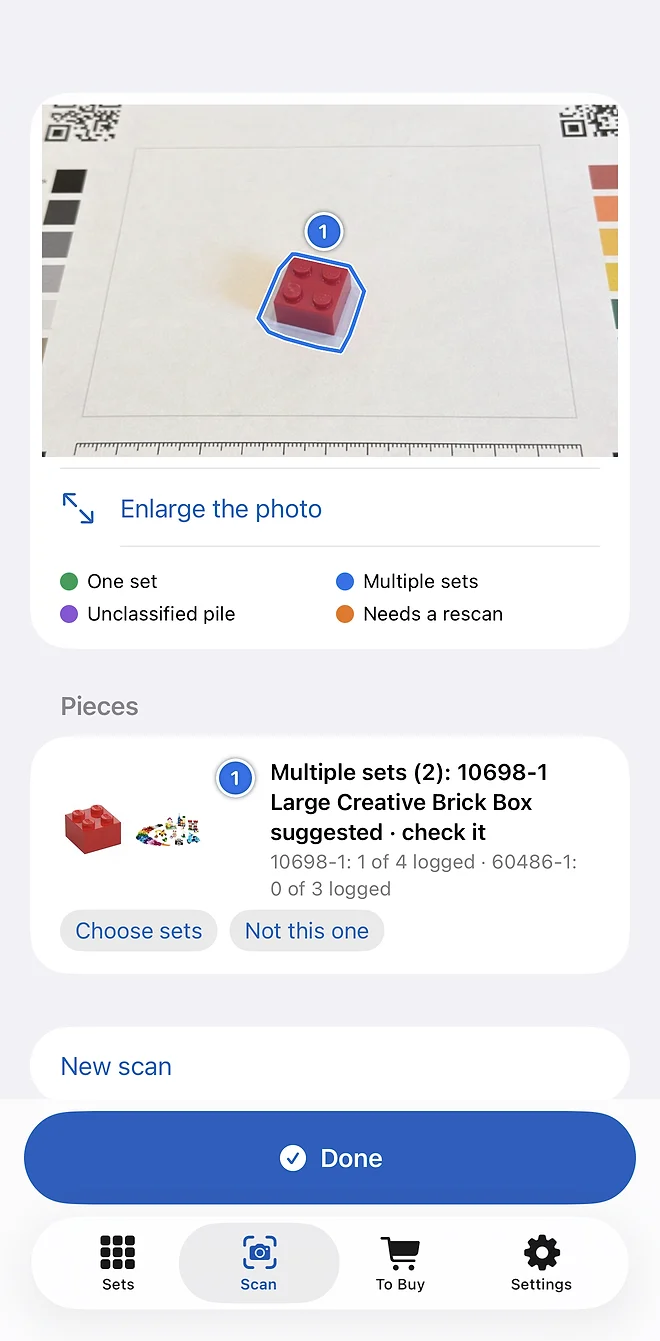
Four honest outcomes
One set, a choice of sets, the unclassified pile or a rescan. Nothing moves without your tap.
Color and height, checked
Fix a piece’s color or height before you confirm it.
Find its set
A piece none of your sets need lists the sets that use it.
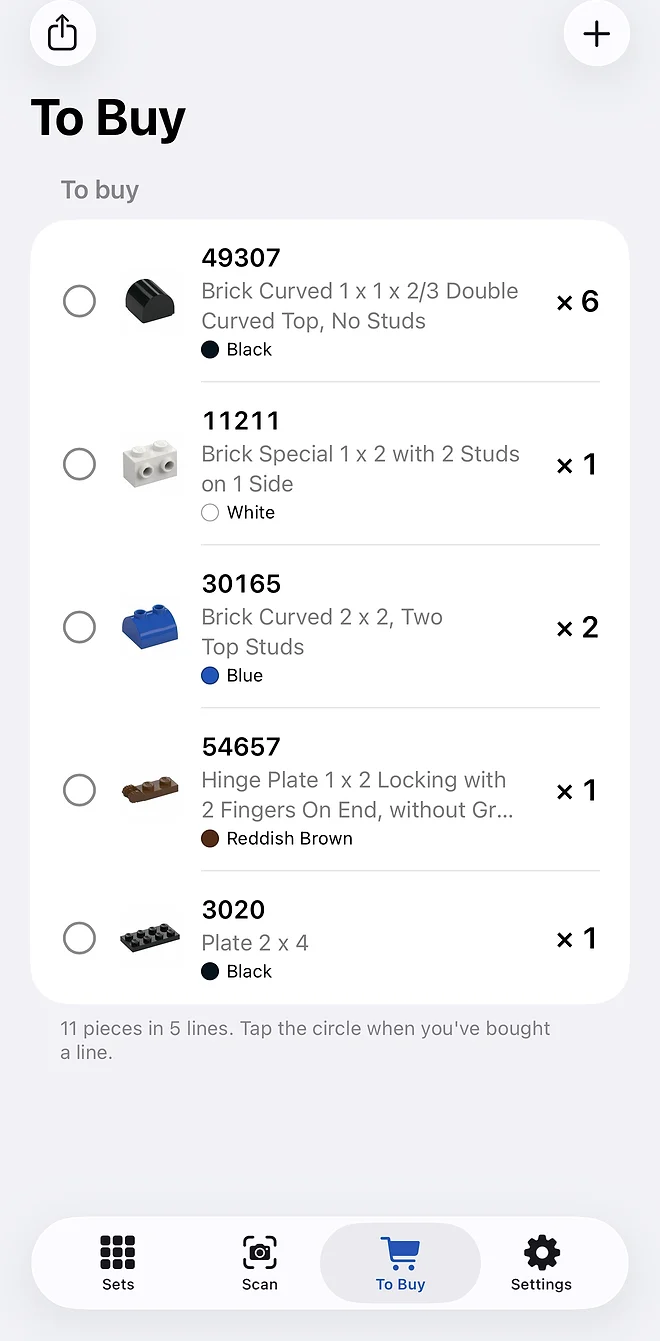
Missing lists you can order from
Search, filter and export what each set still needs.
Two phones, one collection
Scan a code, and both phones share the same sets.
Just the basics.
- An iPhone with iOS 17 or later (iPhone XS, XR and newer)
- A printer, for the sorting sheet
- An internet connection
- An Apple, Google or email sign-in
Your data
The photo stays on your phone; only small crops of each piece are sent to be identified. Your sets are kept on our server, so every phone you sign in on sees them. From Google, BrickSorter requests only your email address, to create and recognize your account, and nothing else. No ads, no analytics. Details: the BrickSorter privacy policy.
Set and part data come from Rebrickable. BrickSorter is an independent app. It is not affiliated with, sponsored by or endorsed by the LEGO Group. LEGO® is a trademark of the LEGO Group of companies.
Common questions.
Something else? Ask in the chat on this page, and never paste your connect code there.
Do I need an account?
You sign in with your Apple ID, your Google account, or an email address and a password you choose (a code emailed to you confirms the address). Your sets then follow you to any phone you sign in on.
What does BrickSorter ask Google for?
Only your email address, through Google’s standard sign-in, to create your account and recognize you next time. It reads nothing else from your Google account, never sends you mail and never shares the address. Sign in with Apple shares no name and no email at all.
Do I need special equipment?
Any iPhone that runs iOS 17 or later (the iPhone XS, XR and every model since) and the printed sorting sheet. The app opens the sheet as a PDF and prints it from the phone. Print it at 100 % and check that the ruler reads 100 mm.
How many pieces can I scan at once?
Up to five per photo, spaced a finger-width apart on the sheet. The app finds and numbers them and sends only the cropped pieces off to be identified.
What happens to my photos?
The photo stays on your phone. Small crops of each piece go to our server, where BrickSorter’s own recognizer identifies them; each crop also goes to Brickognize, a third-party part-recognition service. The privacy policy has the details.
What if a piece isn’t recognized?
Move closer so the piece fills more of the frame, keep the sheet’s corner codes in view, avoid shadows across the piece, and photograph it again. You can also search for the part by hand.
The color is wrong.
Shiny dark pieces reflect the room’s light. Open the piece, pick its color, and the part guesses follow it.
A piece belongs to none of my sets.
It waits in the library’s unclassified pile. “Find its set” lists the sets that use it, newest first, so you can add one you’d forgotten you own.
Can two phones share one collection?
Yes. On the phone that already works, open Settings and show the connect code; on the other phone, scan it. Both then see the same libraries, sets and scans. Anyone who scans the code can see and change your sets, so show it only to a phone you trust.
How do I delete my data?
Deleting a library moves it to Recently Deleted for 30 days (or use Delete Now there), then it and its scans are purged. Settings → Account → Delete account removes everything at once, sign-ins included.
Got a tub of mixed bricks?
BrickSorter is in testing. Say hello in the chat and I’ll tell you when it’s out.
Launching in October